Microsoft Excel is a powerful spreadsheet application used by organisations worldwide to organise information, perform calculations, analyse data and produce professional reports. Its flexible grid-based structure allows users to create everything from straightforward lists and tables to linked workbooks, automated reports, interactive dashboards and complex business models. Excel also provides a wide range of formulas, functions, data-analysis tools and automation features that can save time, improve accuracy and support better decision-making.
Our Microsoft Excel courses are designed to build practical workplace skills and confidence at every level. Delegates can begin with essential spreadsheet techniques before progressing to combined formulas, large-scale data analysis, reporting, dashboards and process automation.
Instructor-led Practical exercises Real workplace examples
From first formulas to advanced automationLearn Excel. Improve accuracy. Save time.
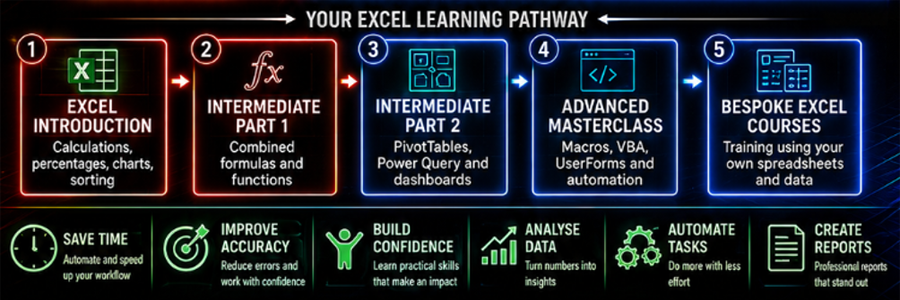
Save TimeReduce repetitive work
Improve AccuracyBuild reliable workbooks
Better ReportingTurn data into insight
Automate TasksWork more efficiently
Build ConfidenceUse Excel with purpose
Video Course Overview
From your first spreadsheet to advanced automation.
Watch the short overview to explore our Excel training pathway, from Spreadsheets Made Easy and combined
formulas to Power Query, PivotTables, dashboards and advanced automation. Discover four standard course
levels, plus bespoke training built around your team’s abilities, spreadsheets and working processes.
Our structured pathway begins with essential spreadsheet skills, develops confident formula writing, introduces large-scale reporting and finishes with advanced automation. Bespoke training can be designed around your organisation at any point.
Face to face Live online Company training One-to-one
Five training options
Choose Your Excel Course
Select a course to view the complete description, audience, requirements and course contents.
01
Excel Introduction — Stage 1
Spreadsheets Made Easy
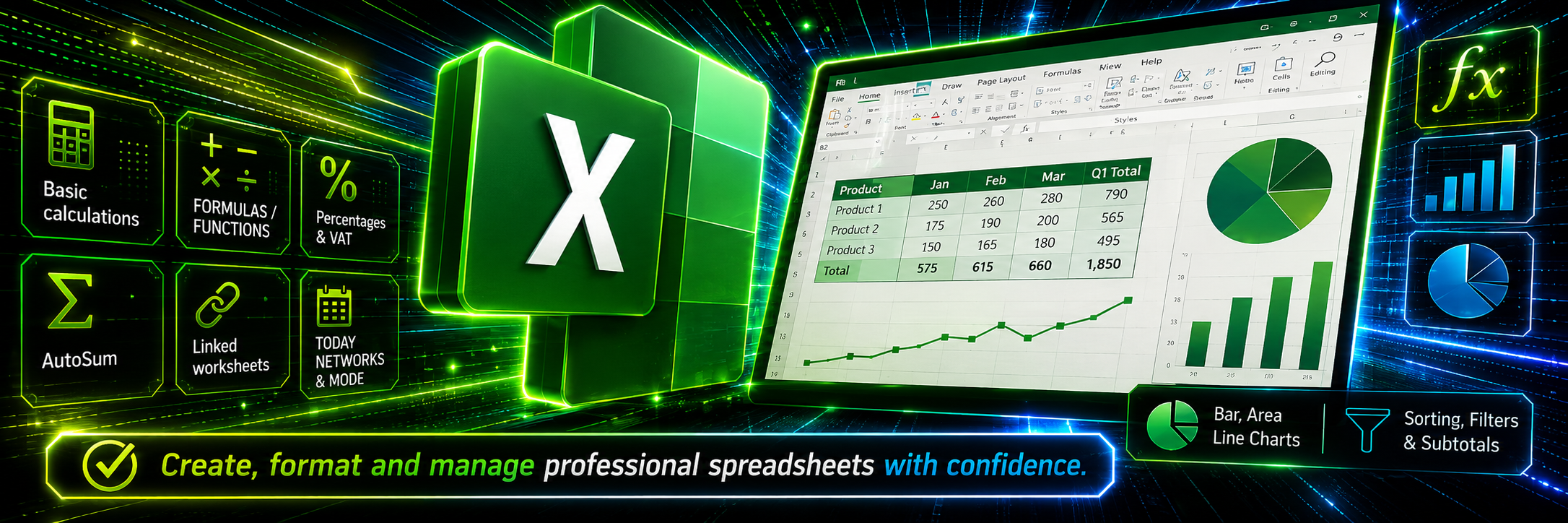
Create, calculate, format and organise professional spreadsheets with confidence.
ITEE01 1 Day
Click to view full course details
Course Description
Excel Introduction — Stage 1: Spreadsheets Made Easy
This practical Excel Introduction course gives delegates the confidence to create, format and manage professional spreadsheets more accurately and effectively. Participants will learn how to perform basic calculations using addition, subtraction, multiplication and division, understand the correct order of formulas using BODMAS or BIDMAS, and confidently calculate, add and deduct percentages through practical examples such as VAT. The course also covers creating totals with AutoSum, linking worksheets and spreadsheets, using functions such as TODAY, MEDIAN and MODE, applying absolute cell references, producing bar, pie and line charts, and organising information using data sorting, filters and subtotals.
Practical outcomeCreate, format and manage professional spreadsheets more accurately and effectively.
Who Should Attend?
New or inexperienced Excel users
Office and administrative staff
Employees working with lists, budgets or reports
Anyone wanting greater confidence with spreadsheets
Course Requirements
No Excel experience is required, but basic mouse and keyboard skills are needed.
What You Will Learn
Course Contents
9 practical modules
Screen Layout & KeyboardTerminology, toolbars, navigation, function keys and shortcuts.
FormattingOpening, closing and saving; text, borders, columns and rows.
EditingPlanning, AutoFill, copy, cut, paste and Paste Special.
Basic GraphsBar, area and pie charts.
Basic FormulasAddition, subtraction, division and multiplication; find, add and deduct percentages; absolute references, averages and dates.
BODMAS / BIDMASUnderstand the correct order of calculations using examples such as 2 + 2 × 2 = 6.
FormulasSUM, COUNTIF, AVERAGE, MEDIAN, MODE, COUNT, COUNTA, COUNTBLANK, MIN, MAX and TODAY.
DataSort, filter and subtotals.
PrintingSelection, entire workbook, worksheet and page setup.
02
Excel Intermediate — Part 1
Combined & Complex Formulas
Understand how formulas work and learn to create, edit and combine them with confidence.
ITEE02 1 Day
Click to view full course details
Course Description
Excel Intermediate — Part 1: Combined & Complex Formulas
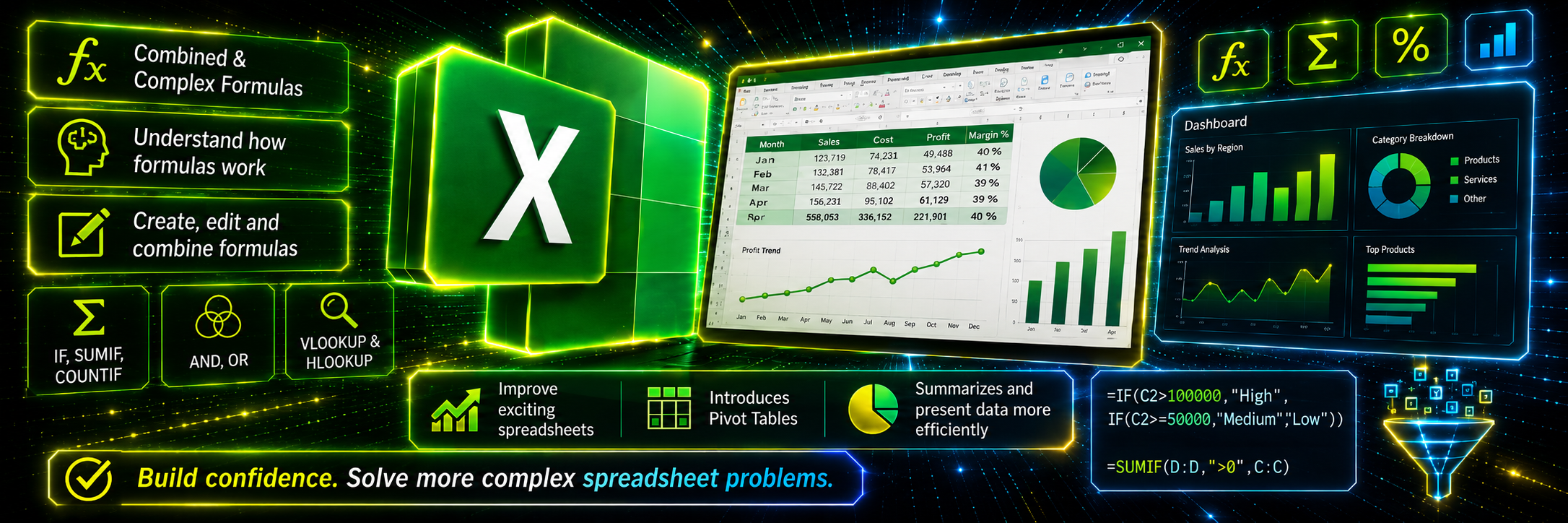
This practical Excel Intermediate course builds on existing knowledge and focuses on helping delegates understand how formulas work, rather than simply learning individual functions one at a time. Participants will develop the confidence to create, edit and combine formulas using functions such as IF, SUMIF, COUNTIF, AND, OR, VLOOKUP and HLOOKUP, enabling them to solve more complex spreadsheet problems. Each module builds progressively on the previous one, strengthening delegates’ ability to understand unfamiliar formulas, improve existing spreadsheets and continue towards becoming an advanced Excel user. The course also introduces powerful data-analysis tools such as PivotTables, allowing large amounts of information to be summarised, compared and presented more efficiently.
Practical outcomeUnderstand how formulas work and confidently create, edit and combine functions to solve more complex spreadsheet problems.
Who Should Attend?
Existing Excel users wanting to develop their formula skills
Staff producing reports, budgets or data summaries
Finance, administration, operations and data teams
Anyone who needs to combine formulas and use PivotTables
Course Requirements
The delegate needs to have attended the previous stage of the Excel course at Pringle PCS or at least have the equivalent working knowledge.
Text FormulasLEN / LEFT / RIGHT / MID / FIND / PROPER / UPPER / LOWER
Combined Text Formulas=PROPER(LEFT(D1,1)&" "&RIGHT(D1,LEN(D1)-FIND(" ",D1,1)))
03
Excel Intermediate — Part 2
Pivot Tables & Data Reports
Question, organise and analyse large datasets using Power Query, PivotTables and interactive dashboards.
ITEE03 1 Day
Click to view full course details
Course Description
Excel Intermediate — Part 2: Pivot Tables & Data Reports
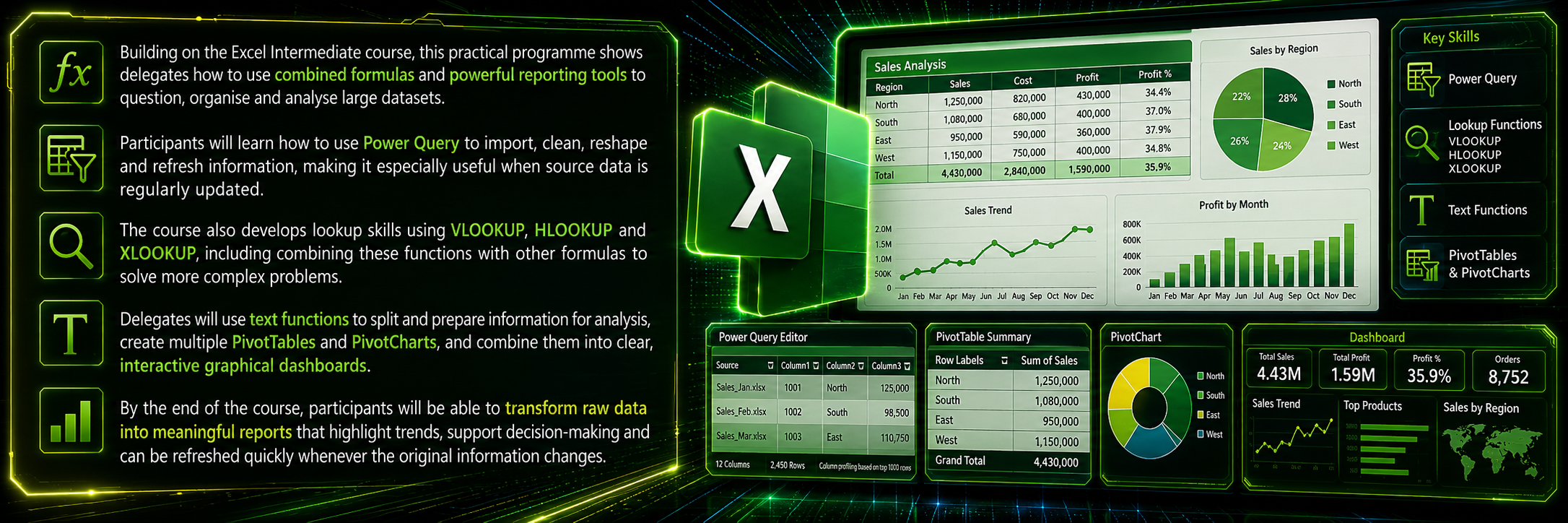
Building on the Excel Intermediate course, this practical programme shows delegates how to use combined formulas and powerful reporting tools to question, organise and analyse large datasets. Participants will learn how to use Power Query to import, clean, reshape and refresh information, making it especially useful when source data is regularly updated. The course also develops lookup skills using VLOOKUP, HLOOKUP and XLOOKUP, including combining these functions with other formulas to solve more complex problems. Delegates will use text functions to split and prepare information for analysis, create multiple PivotTables and PivotCharts, and combine them into clear, interactive graphical dashboards. By the end of the course, participants will be able to transform raw data into meaningful reports that highlight trends, support decision-making and can be refreshed quickly whenever the original information changes.
Practical outcomeTransform raw data into meaningful, refreshable reports that highlight trends and support better decision-making.
Who Should Attend?
Existing Excel users wanting to develop their formula skills
Staff producing reports, budgets or data summaries
Finance, administration, operations and data teams
Anyone who needs to combine formulas and use PivotTables
Course Requirements
The delegate needs to have attended the previous stage of the Excel course at Pringle PCS or at least have the equivalent working knowledge.
What You Will Learn
Course Contents
10 practical modules
PivotTablesOrganise, summarise and analyse large datasets quickly and efficiently.
Sorting and FilteringFocus on the information that is most relevant to your report.
PivotCharts and GraphsTurn complex data into clear visual reports.
Professional ReportsCreate structured reports that highlight trends and key results.
SlicersAdd interactive controls to filter PivotTables and dashboards dynamically.
Combined IF StatementsBuild more powerful formulas using IF with AND, OR and other functions.
Lookup FunctionsUse VLOOKUP, HLOOKUP and XLOOKUP to find and combine information.
Power QueryImport, clean, reshape and refresh data from regularly updated sources.
Text FunctionsSplit, clean and prepare information before analysing it.
Interactive DashboardsCombine PivotTables, charts and slicers into clear graphical dashboards.
04
Excel Advanced
Masterclass
Combine advanced formulas, macros, VBA and UserForms to automate complex Excel processes.
ITEE04 1 Day
Click to view full course details
Course Description
Excel Advanced: Masterclass
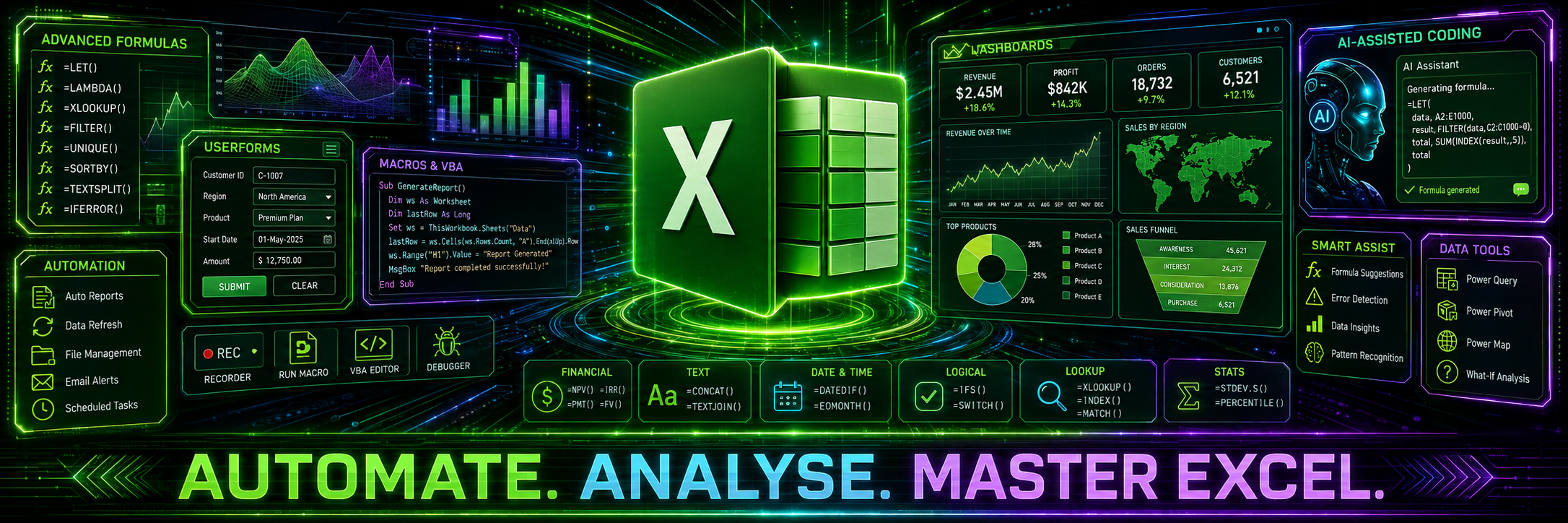
This advanced Excel Masterclass is designed for experienced users who want to combine formulas, functions and analytical tools to solve complex business problems, create sophisticated reports and automate repetitive processes. Delegates will explore advanced financial, text and date functions, develop techniques for constructing and managing complex formulas, and learn how to record, edit and create macros using Visual Basic for Applications — VBA. The course explains how to understand VBA code by breaking it into manageable sections and using clear comments, while also demonstrating how tools such as Microsoft Copilot and ChatGPT can help users write, explain, improve and troubleshoot code they can confidently support and develop. Participants will also learn how to create professional Excel UserForms, assign macros to buttons and controls, automatically validate, process and export information, and update spreadsheets without repeated manual work, providing greater control over complex workbooks and business processes.
Practical outcomeCreate sophisticated reports, automate repetitive workbook processes and develop Excel solutions that can be maintained and improved.
Who Should Attend?
Experienced Excel users ready to develop advanced skills
Staff creating complex reports, models or automated processes
Finance, operations, management and data professionals
Anyone wanting to use advanced formulas, macros, VBA and UserForms
Course Requirements
Delegates should have completed Excel Intermediate Part 2 at Pringle PCS or have equivalent knowledge of formulas, lookups, PivotTables and data analysis. No previous VBA experience is required.
What You Will Learn
Course Contents
8 practical modules
Date FormulasEssential date functions such as DAY, MONTH, YEAR, WEEKDAY and WEEKNUM.
Combined Advanced FormulasIF, AND, OR, VLOOKUP and HLOOKUP.
Problem SolvingApply advanced problem-solving techniques to optimize complex formulas.
Macros & VBARecord, edit and run macros, and understand VBA including REM statements for automation.
Advanced CustomisingCustomize Excel through toolbars and menus.
Advanced FormattingManage and consolidate data using templates, Track Changes and auditing.
Forms / Dropdown Lists / Tick Boxes / SpinnersCreate and manage interactive forms.
Combined Text FormulasFunctions such as LEN, LEFT, RIGHT, MID, FIND, PROPER, UPPER and LOWER.
05
Excel Bespoke Training
Custom Content Using Your Data
Practical Excel training designed around your team, workbooks and business processes.
ITEE04 X Day
Click to view full course details
Course Description
Excel Bespoke Training
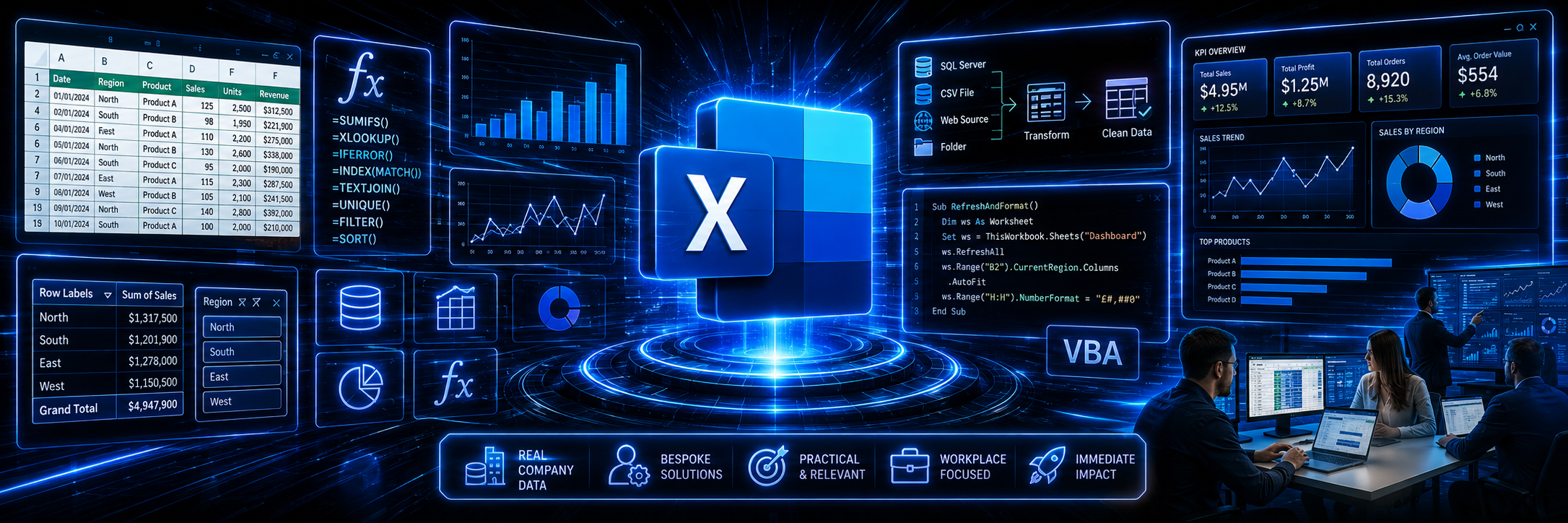
Pringle PCS can design a bespoke Excel course around the delegates’ current skill levels, job roles and the specific requirements of their organisation. Using the organisation’s own spreadsheets, data and working processes, participants will learn how to improve existing workbooks, simplify calculations, create more effective reports and reduce repetitive tasks. With practical guidance from an expert Excel trainer, delegates can address genuine workplace challenges and develop solutions that improve accuracy, confidence and productivity.
Practical outcomeDevelop solutions based on the spreadsheets, reports and processes your team uses every day.
Who Should Attend?
Teams or departments that regularly use Excel
Staff who need to improve existing spreadsheets and reports
Organisations with specific data, reporting or automation requirements
Groups with mixed levels of Excel experience
Anyone wanting practical training based on real workplace tasks
Course Requirements
There is no fixed Excel experience requirement because the course is tailored to the delegates’ abilities. Basic computer, mouse and keyboard skills are required. A pre-course consultation will identify the organisation’s objectives, and relevant spreadsheets or sample data should be supplied in advance where possible.
Designed Around Your Organisation
Course Contents
Course content is created specifically for the organisation and may include:
9 tailored modules
Reviewing Existing SpreadsheetsReview and improve the workbooks currently used by your organisation.
Relevant Formulas & FunctionsDevelop formulas and functions that support everyday work.
Data QualityUse data validation, sorting, filtering and error-reduction techniques.
Professional ReportingCreate professional reports, charts and dashboards.
Data AnalysisUse PivotTables, PivotCharts and Power Query where appropriate.
Connected WorkbooksLink worksheets, workbooks and suitable data sources.
AutomationUse macros, VBA and process automation to reduce manual work.
Troubleshooting & Best PracticeResolve workbook problems and improve spreadsheet design and reliability.
Reducing Repetitive AdministrationDevelop practical solutions that simplify recurring tasks and improve productivity.
Need something specific?
Build an Excel course around your own workbooks and processes.
Pringle PCS can review your existing spreadsheets, identify improvements and create practical training around the tasks your employees perform every day.
 01
01